Pop art portraits from a photo
A pop art portrait from a photo turns a picture into bold, flat color blocks in the style of Andy Warhol or Roy Lichtenstein. In November 2026 one artist-made service listed styles from $53 to $108, while a print service said it would arrive within ten days. Free AI filters also exist.
-
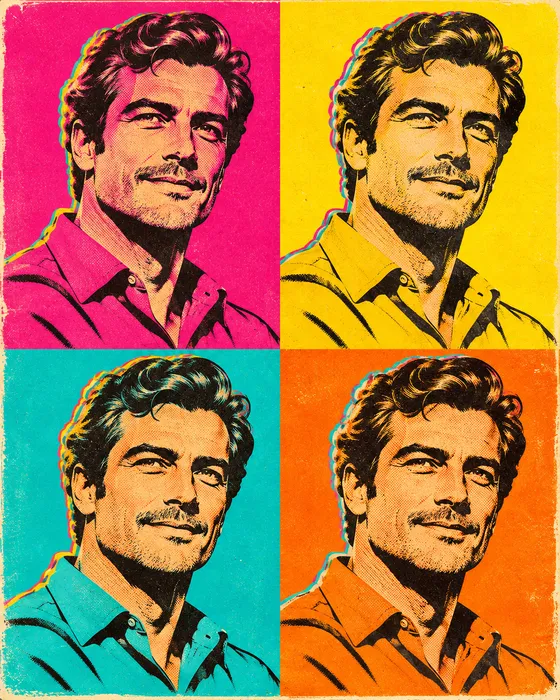
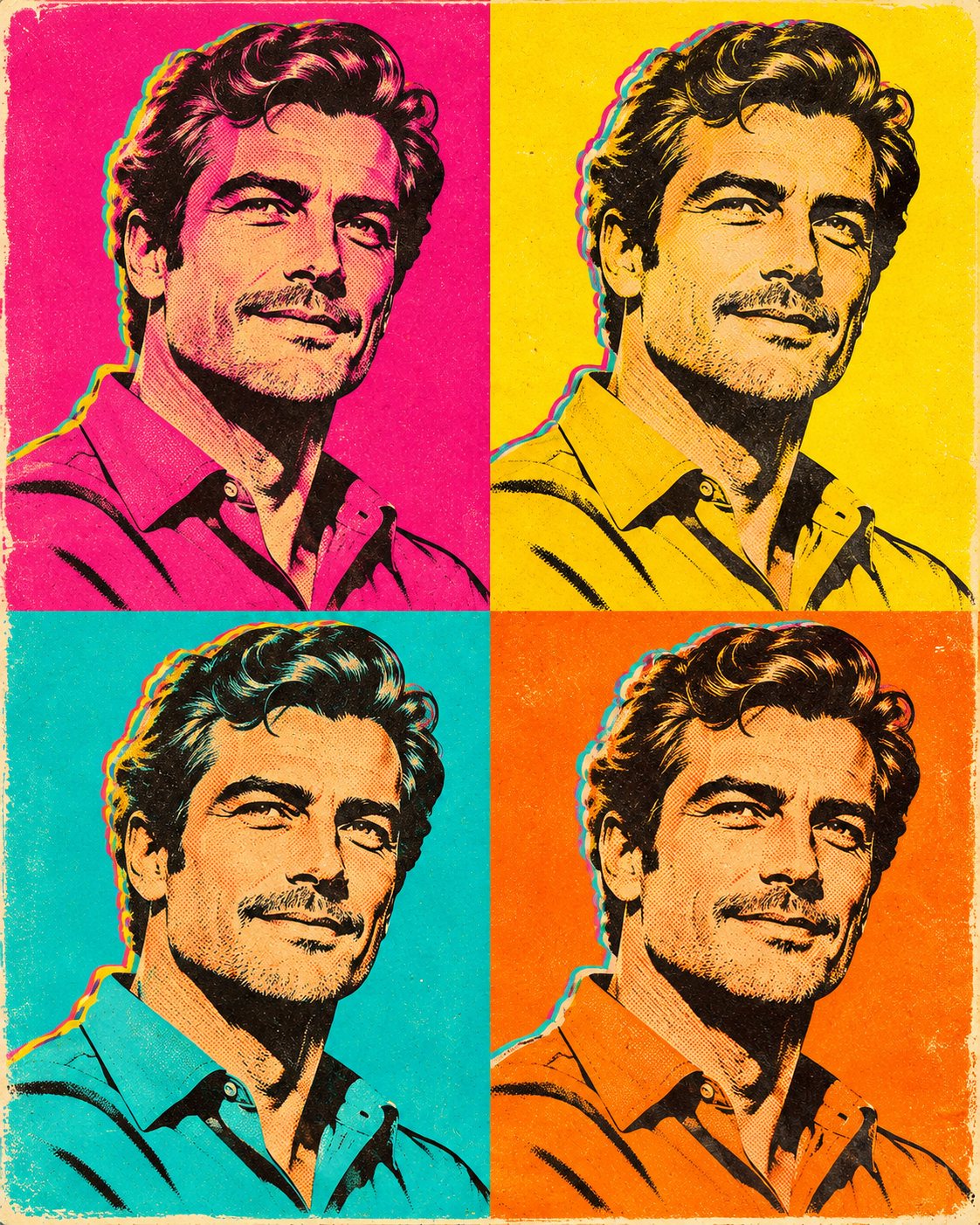
Pop art sample: four-color grid
AI-generated sample
1960s screen-print pop art style. Not a real person or commission.
-
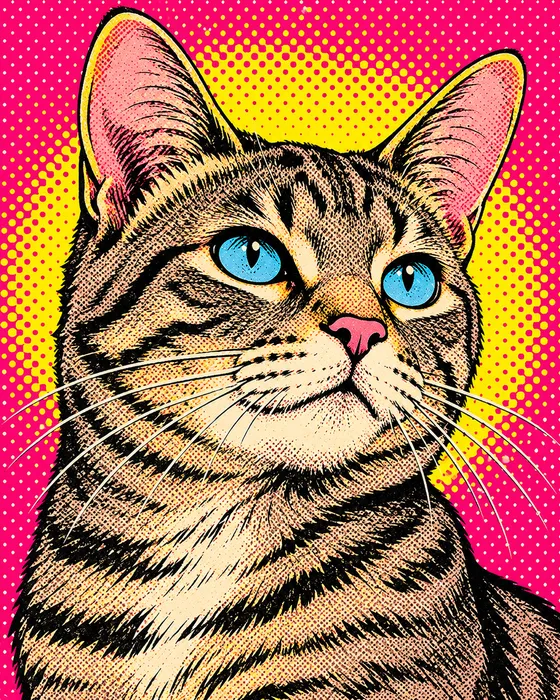
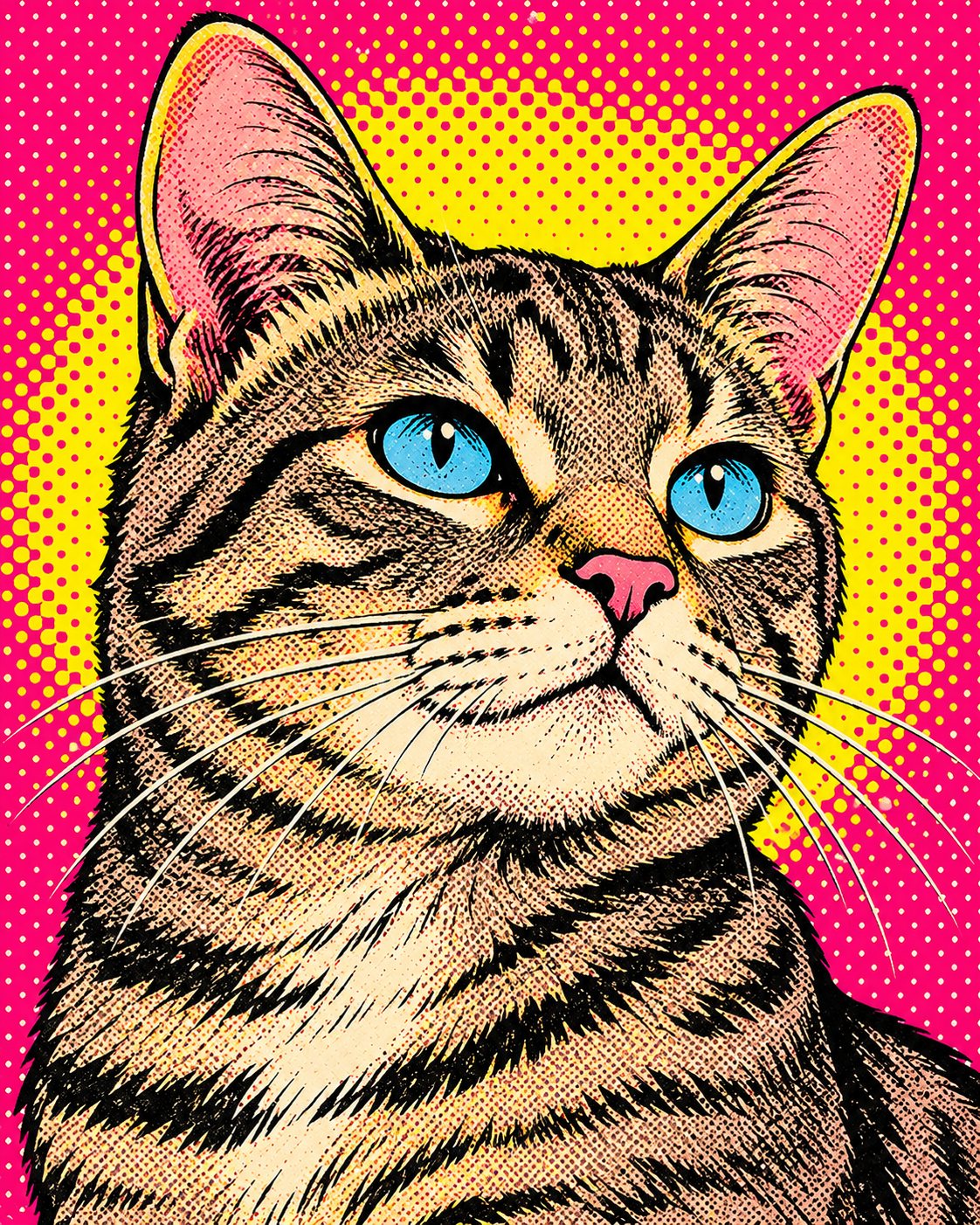
Pop art sample: tabby cat
AI-generated sample
Comic-print pop art style with halftone dots. Not a real person or commission.
What is a pop art portrait from a photo?
A pop art portrait from a photo is a picture reworked into a bold, graphic style with strong color and simplified shapes. myDaVinci describes its pop art styles as inspired by the pop art masters Andy Warhol and Roy Lichtenstein, and its range includes single-panel and four-panel layouts.
The result looks nothing like a photograph, which is the point. It works best when the original photo has a clear face and strong contrast, and it suits people who want a loud, playful wall piece rather than a soft likeness. For softer looks, compare watercolor or oil painting.
Who is a pop art portrait right for?
Pop art suits gifts for people with a bold sense of humor who would hang something bright. It is also a lively way to show a group, because each person can get their own color panel.
It tends to work for:
- Birthdays and milestones, where a bright piece is part of the fun.
- Couples and friends, using a multi-panel layout with a different color in each box.
- Pets: myDaVinci lists a pop art dog portrait style from $88, and the pet portraits hub has more.
- Gifts for hard-to-buy-for adults: See the gifts hub for other ideas.
If the recipient wants something calm or traditional, pop art is a weaker choice.
How much does a pop art portrait cost?
In November 2026, myDaVinci listed pop art styles from $53 to $108. Print services that turn your photo into a pop art canvas are a different kind of product, so compare what each one promises before you compare the number.
| Style at myDaVinci | Listed price (Nov 2026) |
|---|---|
| Pop Art Color Blocks | from $53 |
| Pop Art Elegant Colors | from $63 |
| Paris Pop Portraits | from $63 |
| Pop Art 1 Panel | from $64 |
| Vintage Pop Portraits | from $78 |
| Pop Art 4 Panels | from $91 |
| Comic Book Portraits | from $108 |
The myDaVinci page describes its artists as drawing and painting by hand, offers a free preview and free changes, and promises a refund if you are unhappy. It contrasts this with apps and AI tools that convert a photo into a print almost instantly, which it says is not how it works. The “from” prices rise with size, framing and options, so confirm the total at checkout.
CanvasChamp’s page describes an online design tool where you upload a picture and adjust position, size and border, and says its canvas prints use archival-grade inks, so it reads as a printed product, not a drawing. Treat it as a different product from an artist-made portrait.
How long does a pop art portrait take?
CanvasChamp says its pop art arrives within ten days, ready to mount, with an emailed preview available within 24 hours if you ask for one. myDaVinci’s pop art page does not state a turnaround, so ask for a delivery date before you order, especially for a gift with a deadline.
See how long a custom portrait takes for what usually affects timing across styles.
What is the difference between an artist-made and a printed pop art portrait?
An artist-made pop art portrait is drawn or painted from your photo, and a printed one applies a style to your upload and prints it. The difference shows up in the promise on the page, the preview and the price.
| Artist-made | Printed filter or template | |
|---|---|---|
| How it is made | An artist works from your photo | A tool or template restyles the upload |
| Preview | Online preview before shipping (myDaVinci) | Emailed preview on request (CanvasChamp) |
| Changes | Free changes until approved (myDaVinci) | Check the seller’s terms |
| Starting price (Nov 2026) | $53 or more | Not stated on the page read |
Free AI tools sit at the cheap end. PortraitArt, for example, lists Pop Art and American Pop Art among its 80+ styles, with default images of about 1 megapixel. That is a generated file with no artist involved. Our guide on how to tell if a portrait is AI lists what to check, and hand-painted versus AI portraits covers the trade-offs.
What photo works best for a pop art portrait?
For a pop art portrait, choose a sharp photo with strong light on the face and a plain background. Pop art simplifies a picture into bold shapes, so a clear face is easier to work with than a busy or dark image.
A few checks:
- Look for contrast: Soft, flat light makes the colors blur together.
- Keep the face large: A tight crop of the head and shoulders gives the artist something to work with.
- Remove clutter: Plain backgrounds are easier to turn into flat color.
- Send the original file, not a screenshot.
The best photo guide covers these points for any style. For several people, the family portrait from multiple photos guide explains how photos are combined.
What should you check before ordering a pop art portrait?
Before ordering a pop art portrait, check who makes it, what the preview looks like and what you can change. Then work out the full price.
- Artist or template: Look for wording like “drawn by hand” or “upload and apply a style”.
- Preview and changes: Ask whether you see the artwork online before it ships and whether edits are free.
- Total price: Add the frame, size and shipping to the “from” price. See what a custom portrait costs.
- Delivery date: Ask for a date, not just an estimate, if it is a gift.
Questions about this guide can go through the contact page, and the about page explains how the Portrait Guide researches its guides. You can also compare every look in the styles hub.
Prices and timings were read from the pages listed in the sources on 15 November 2026. They change often, so check the seller’s page before you order.
Common questions about pop art portraits
How to turn a photo into a Warhol?
Choose a Warhol-inspired pop art style, such as a four-panel layout (myDaVinci lists Pop Art 4 Panels from $91). An artist service redraws your photo by hand and shows a preview online. A print service applies a style template to your upload. An AI filter does it in seconds with no artist.