Custom digital portraits from a photo
A custom digital portrait from a photo is artwork delivered as a file, made in one of three ways: an artist drawing it on a tablet, an AI tool generating it, or a filter restyling your photo. Search results for the phrase mix all three, so check who makes the portrait before you pay.
-
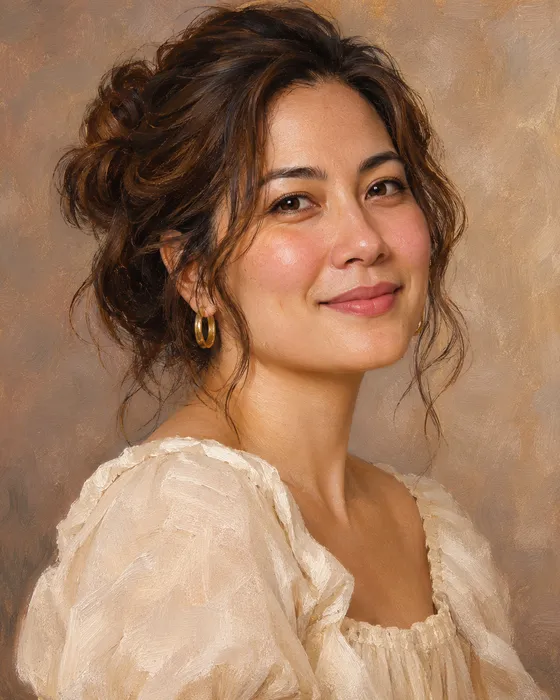
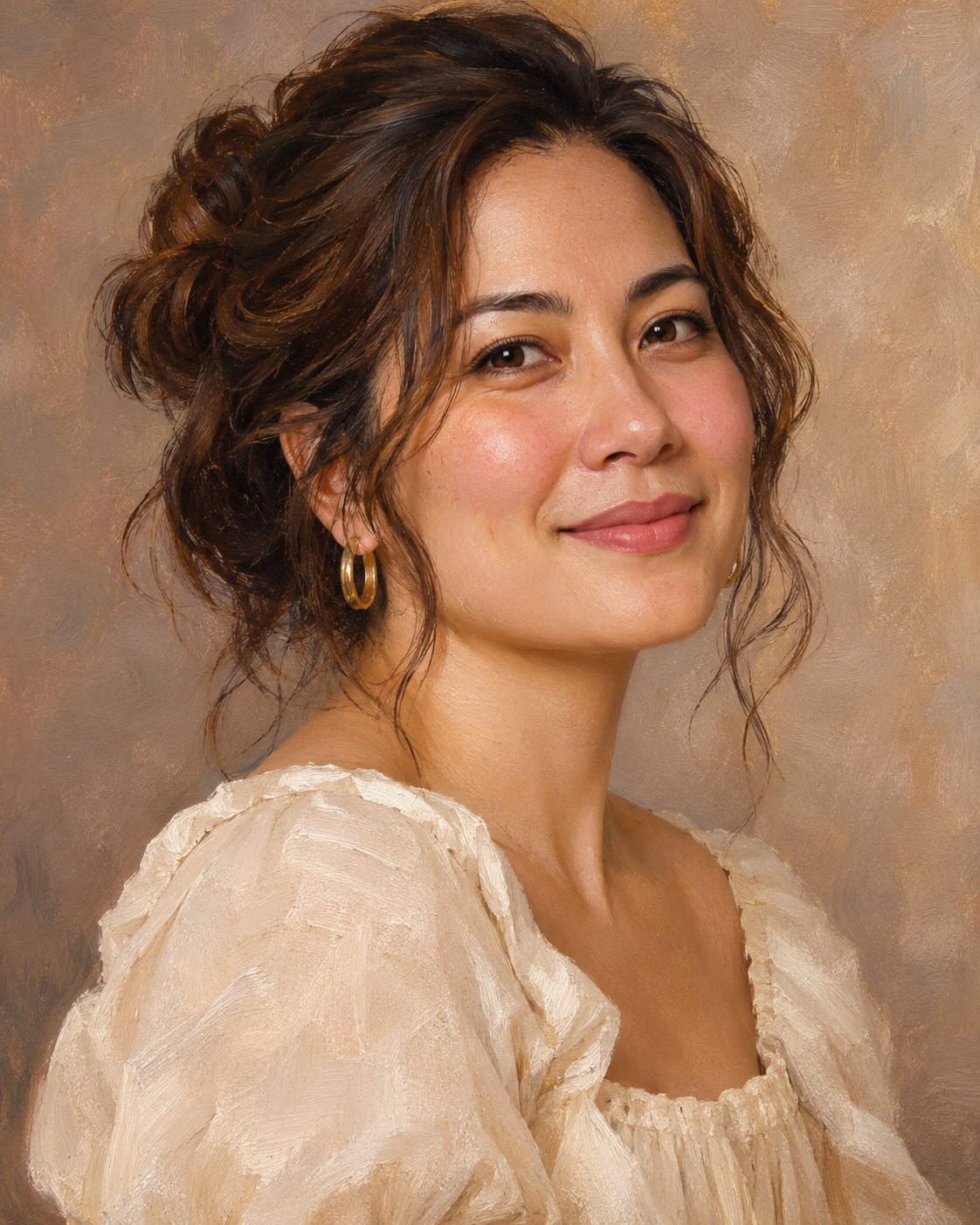
Digital portrait sample: woman
AI-generated sample
Digital painting style. Not a real person or commission.
-
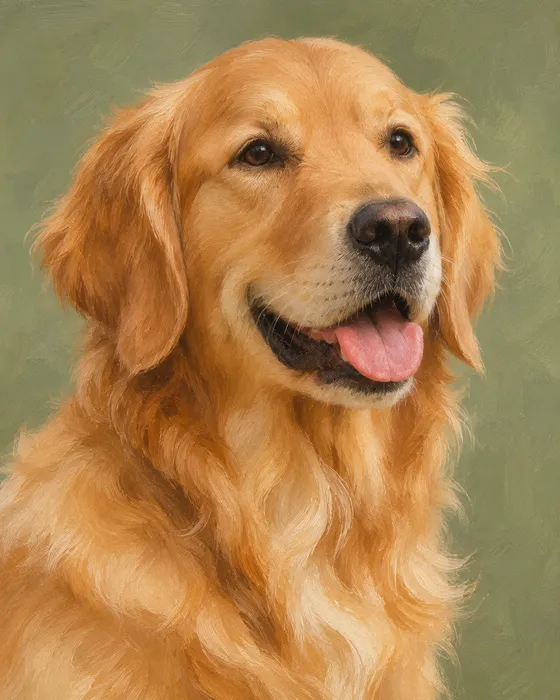
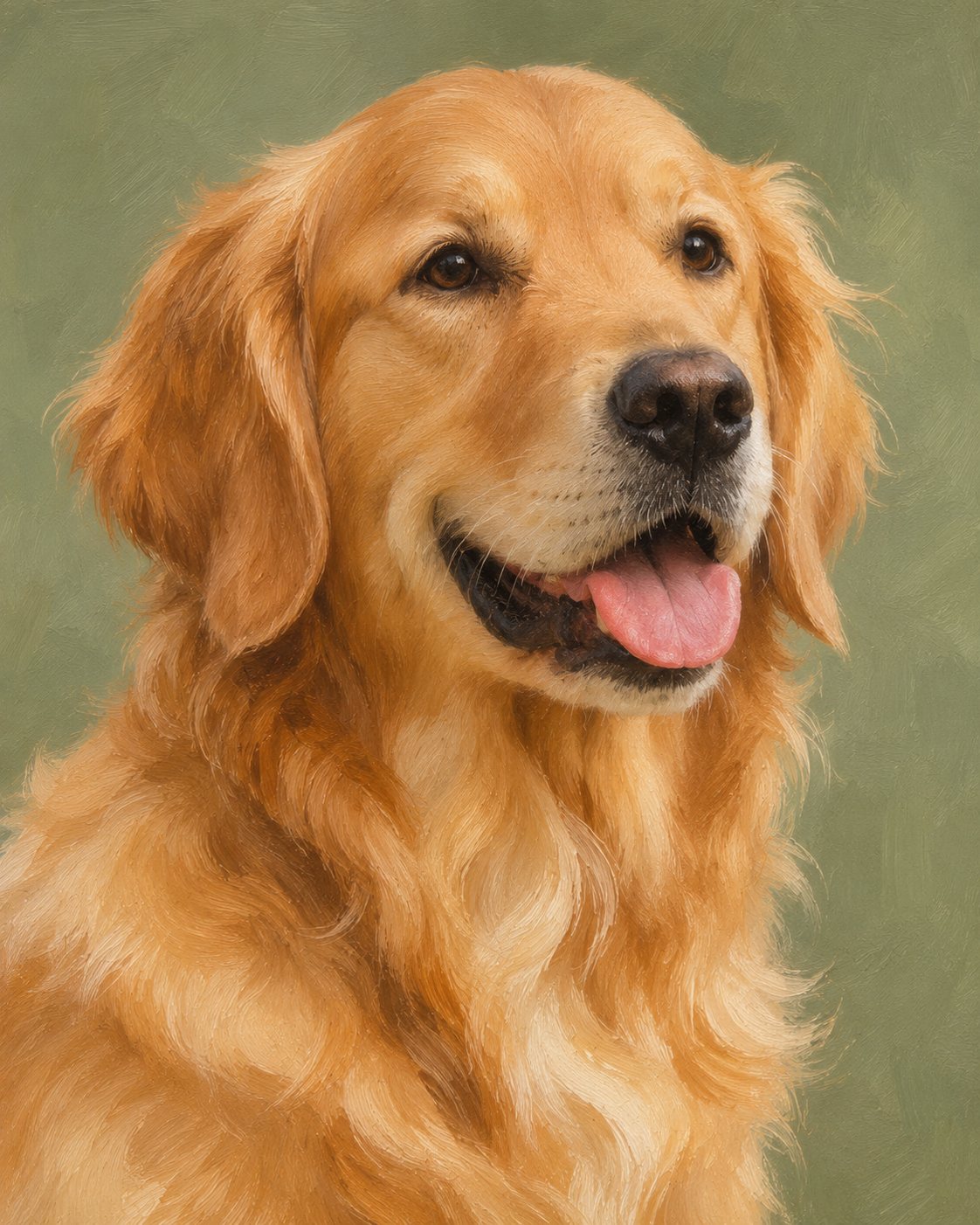
Digital portrait sample: golden retriever
AI-generated sample
Digital painting style. Not a real person or commission.
What is a custom digital portrait from a photo?
A custom digital portrait is a portrait created and delivered as an image file, such as a PNG or a print-ready download, instead of paint on canvas. It starts from your photo and can be made by an artist, an AI generator or a filter.
Because the result is a file, you can use it as a profile picture, print it at several sizes or send it to a framer. Many shops also print it on canvas or paper for you. Search results for this phrase reflect that mix: online shops, marketplace listings, AI tools and a design-platform generator all appear together.
Who makes a custom digital portrait: an artist, an AI tool or a filter?
A custom digital portrait can come from an artist, an AI tool or a filter, and the three methods give very different results, so find out which one a seller uses before you order. The maker decides likeness, price and what you can ask for.
| Method | What happens | Strengths | Weak spots |
|---|---|---|---|
| Artist, hand-drawn digitally | A person draws or paints your portrait on a tablet, using your photo as reference | Control over likeness, changes and compositions | Takes days; costs more |
| AI generator | Software generates a new image from your photo and a prompt | Fast, often cheap or free | Faces can drift from the original; limited control |
| Filter or effect | Software restyles the photo you uploaded | Instant | Looks like the photo with a layer on top |
Some sellers use the phrase “digitally hand painted” for the first type. myDaVinci, for example, files “Digitally hand painted” under a separate heading from its traditional hand-painted art. A traditional painting is something else: Instapainting says its oil portraits are painted by hand and are “not printed or digitally made”.
What does a digital portrait look like?
A digital portrait can look like almost any portrait style: a painterly portrait, a clean vector illustration, line art, pop art or a stylized poster. The artist picks the look and you choose it from samples.
Common looks include:
- Digital painting: Brushwork imitates oil or watercolor, but it is made on screen.
- Vector or flat illustration: Clean shapes and flat color, often used for avatars.
- Pop art: Bold, high-contrast color blocks.
- Line art: Simple contours with little or no color.
- Royal or period styles: Your face is placed in a costume, as in the royal portraits PopArtYouShop sells.
For paint-on-canvas looks, see the oil painting guide and the watercolor guide.
How much does a custom digital portrait cost?
Custom digital portrait prices start at nothing for AI filters and run up for artist-made work. In November 2026 OpenArt described its photo-to-oil-painting tool as free online, and PopArtYouShop listed personalized royal portraits from $39.
| Type | Price evidence (Nov 2026) |
|---|---|
| AI filter or generator | Free online, according to OpenArt |
| Personalized royal-style portrait | From $39, according to PopArtYouShop |
| Hand-drawn by an artist | No verified range for this guide |
No price range for portraits drawn by an individual artist was verified for this guide, so none is given. Rates vary by artist, detail level and number of subjects. Ask for a written quote that states the size, number of people, revisions and file formats. The price of a hand-painted physical portrait is a different category, and you can compare it in the oil painting guide.
How can you tell if a digital portrait is hand-drawn or AI?
To tell if a digital portrait is hand-drawn or AI, ask the seller, and read the listing for process details. A human artist can name the software or tablet, show sketches and make specific changes. An AI tool returns a result in seconds and often cannot change one small detail without changing the rest.
Look for these signs:
- Process proof: Work-in-progress images, sketches and a named artist suggest a person.
- Turnaround: Minutes or seconds means software. Days means a person.
- Revisions: A hand-drawn service explains how many changes you get.
- Faces and hands: AI faces can drift from the person in your photo, and hands or jewelry may be wrong. Compare the result against your photo.
- Disclosure: A seller should say whether it uses AI. If a listing doesn’t say, ask before you buy.
What photo do you need for a digital portrait?
A sharp, evenly lit photo works for a digital portrait made by any of the three methods. The artist or the software can only work with what the photo shows, so make sure the eyes are in focus and the face is not hidden.
Our guide to the best photo for a portrait painting lists the checks. AI tools are the least forgiving. They generate detail instead of copying it, so a dark or blurry photo can produce a face that looks like someone else. If your best photo is weak, an artist who can use several photos is the safer route.
How do you order a custom digital portrait?
Order a custom digital portrait by choosing a style and a maker, then uploading your photo and approving a draft before the final file is sent.
- Pick the look from the seller’s samples.
- Decide whether you want a file only or a print too, and at what size.
- Upload your best photo, plus extras for details.
- Describe changes in writing: background, clothes, colors, anything to remove.
- Review the draft, ask for revisions and confirm the file format before you pay in full.
If it is a present, the gifts hub covers occasions and timing. For pets, start with the dog portrait guide. The commission guide explains the general process, and you can reach the Portrait Guide through the contact page.
Price details were read from the seller pages listed in the sources on 15 November 2026. They change often, so check the seller’s page before you order.
Common questions about custom digital portraits
Can I get a custom portrait painting created from a photo?
Yes, portrait services accept uploaded photos and send back a portrait in a chosen style. One oil-painting service says its artist paints the photo exactly as shown by default, and that the piece is not printed or digitally made. A digital portrait is the file-based alternative.
How can I convert a regular photo into a portrait?
Pick a style, then choose who does the work. An artist draws or paints it from your photo, an AI tool generates a stylized version, or a filter restyles the original. Start with a sharp, well-lit photo for any of the three.
Can you turn a photo into a digital photo?
A phone or camera photo is already digital. If you mean a digital artwork, you can have an artist redraw it on a tablet, or run it through an AI generator or filter. The result is a file you can print or share.
How can I create a portrait from a photo?
You can trace and redraw it yourself in a drawing app, commission an artist, or use an AI portrait tool. Commissioning gets the most control over likeness, and AI tools are the fastest.